

We’ve all been there: grabbing a coffee at a café, checking emails in an airport lounge, or browsing social media at a library, all while connected to public Wi-Fi. It’s convenient, easy, and sometimes necessary. But have you ever stopped to think about how safe your data is when you’re using these open networks? The truth is, public Wi-Fi can be a hacker’s playground, and without the right precautions, your personal data is vulnerable. That’s where a VPN, or Virtual Private Network, steps in. Here’s how a VPN can protect your data and give you peace of mind while using public Wi-Fi.
What’s the Danger of Public Wi-Fi?
Before we dive into how a VPN works, it’s important to understand why public Wi-Fi is risky. Unlike your private home network, public Wi-Fi is often unsecured and lacks encryption, making it easy for hackers to intercept the information you send and receive online. When you connect to public Wi-Fi, your device communicates directly with the network, and anyone on that same network can potentially monitor your activity.
Hackers can exploit this by using a method known as “man-in-the-middle” attacks. This allows them to intercept the data you send over the network, such as login credentials, credit card numbers, or personal messages. They can even inject malicious software into your device without you knowing. And because public Wi-Fi is so common in places like coffee shops, airports, and hotels, hackers know exactly where to target.
Even worse, hackers can set up fake Wi-Fi hotspots that look just like the real ones. If you unknowingly connect to these, they can harvest your data or infect your device with malware.
How a VPN Protects Your Data
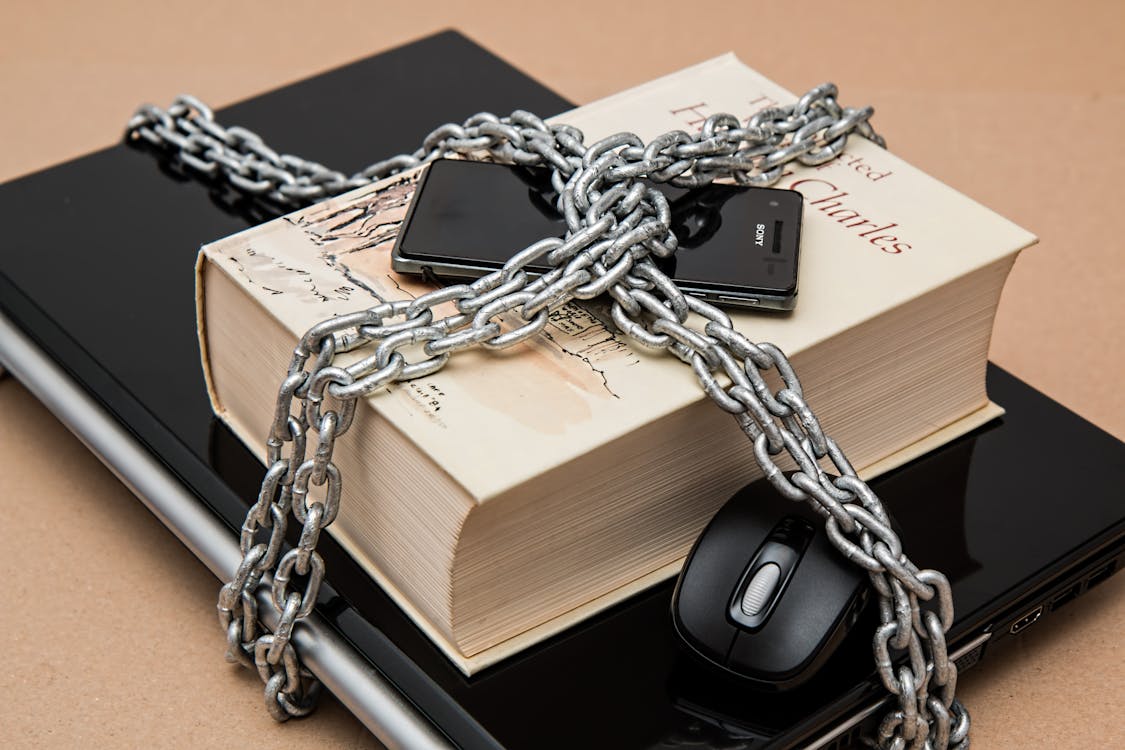
This is where a VPN comes to the rescue. A VPN is a tool that creates a secure, encrypted connection between your device and a remote server, which acts as a middleman between you and the internet. Essentially, it creates a “secure tunnel” for your data, ensuring that even if someone is spying on your connection, they can’t read or steal any information.
Here’s a breakdown of the ways a VPN protects your data while using public Wi-Fi:
1. Encryption: Making Your Data Unreadable
One of the most important functions of a VPN is encryption. When you connect to a public Wi-Fi network without a VPN, your data is transmitted openly and unprotected, leaving it vulnerable to prying eyes. A VPN encrypts your internet traffic, turning all the data you send and receive into an unreadable code. This encryption is so strong that even if a hacker intercepts your data, they won’t be able to make sense of it.
Think of it like sending a letter in a locked safe. Even if someone intercepts the letter, they can’t read it without the key.
2. Hiding Your IP Address
When you connect to the internet, your device is assigned an IP address, which is a unique identifier for your device on the network. Your IP address reveals information about your location, device type, and even your internet service provider (ISP). With this information, hackers can launch targeted attacks or track your online behavior.
A VPN hides your real IP address by masking it with the IP address of the server you’re connecting to. This makes it much harder for anyone to trace your internet activity back to you, giving you greater privacy and anonymity while you browse on public Wi-Fi.
3. Preventing Man-in-the-Middle Attacks
As mentioned earlier, man-in-the-middle attacks are one of the most common threats on public Wi-Fi. This type of attack happens when a hacker intercepts communication between your device and the network, allowing them to steal sensitive information or manipulate your connection.
A VPN helps prevent these types of attacks by establishing a secure, encrypted connection. Because the data is encrypted, even if a hacker intercepts the transmission, they won’t be able to decipher the content, stopping them from accessing your passwords, emails, or bank details.
4. Protecting Against Fake Hotspots

Sometimes, hackers create fake Wi-Fi networks that mimic legitimate ones. These rogue hotspots are designed to trick you into connecting to them, at which point they can steal your data or install malware on your device. With a VPN, even if you connect to a fake hotspot, your data remains encrypted, so hackers can’t access your sensitive information.
Additionally, many VPN apps will notify you if you connect to an unsecured or untrusted network, giving you an extra layer of protection against fake hotspots.
5. Securing Online Transactions and Sensitive Information
If you need to handle financial transactions, enter personal details, or log in to sensitive accounts while on public Wi-Fi, a VPN adds a critical layer of security. Without a VPN, hackers could intercept your login credentials or steal your credit card information while you make a purchase. A VPN encrypts this data, keeping your financial details and personal information secure from hackers.
With the rise in online shopping, banking, and other services that require sensitive information, it’s essential to use a VPN to ensure that your data remains private and protected, even when using a public network.
Should You Use a VPN on Public Wi-Fi? Absolutely
Using a VPN while connected to public Wi-Fi is one of the easiest and most effective ways to protect your data. It provides a simple yet powerful solution to the security risks posed by unsecured networks, and it’s available for all types of devices—from laptops and smartphones to tablets.
In addition to security, a VPN can also help you access restricted content by allowing you to change your virtual location. If you’re traveling or using Wi-Fi in a different country, you can connect to a VPN server in your home country to bypass content restrictions, streaming blocks, or censorship.
Public Wi-Fi is undeniably convenient, but it’s also filled with risks. Without proper security measures, you’re putting your personal data, privacy, and digital safety at risk. A VPN is an affordable and easy solution to ensure your data is encrypted, your IP address is hidden, and your online activities are protected from hackers and cybercriminals.
Next time you’re at a café or in an airport, don’t risk your security by browsing the internet without a VPN. Whether you’re shopping online, checking your email, or simply browsing social media, using a VPN on public Wi-Fi will give you the peace of mind you need to enjoy the convenience of internet access while keeping your information safe.